📋 Quick Summary
In this article:
What Is Database Management Software?
1. Data Model
2. Transactions and Consistency
3. Query Performance
4. Scalability
5. High Availability
6. Security
7. Backup and Recovery
Introduction
Modern businesses depend on data. Customer records, product information, transactions, website content, application data, analytics, and operational records all need a reliable place to live. A database management system, or DBMS, helps organizations store, organize, query, protect, and maintain that information.
Choosing a database is not simply about picking the most popular product. The right option depends on data structure, application workload, team skills, security requirements, scale, cloud strategy, budget, and future plans. A small business website may need a simple relational database. A large application may need high availability, replication, advanced analytics, or distributed storage.
This guide compares widely used database technologies and explains the features that matter when selecting database management software in 2026. It also covers SQL versus NoSQL, cloud databases, AI workloads, security, performance, and practical selection steps.
What Is Database Management Software?
Database management software is a system used to create, store, organize, retrieve, update, and protect data. It provides tools and services that allow applications and people to work with structured or semi-structured information.
A DBMS normally handles tasks such as data storage, queries, indexing, transactions, user access, backups, recovery, and database administration. Some platforms also provide analytics, replication, high availability, vector search, or integration with cloud services.
Why Businesses Need a DBMS
- Centralized data: Applications can work from consistent records.
- Faster access: Indexes and query optimization can improve data retrieval.
- Data integrity: Rules and constraints can help prevent invalid records.
- Security: Users and applications can receive controlled database permissions.
- Reliability: Backup and recovery features help protect important information.
- Scalability: Modern databases can support workloads that grow from small applications to large systems.
- Analytics: Query and reporting features can turn stored data into useful business information.
SQL vs NoSQL Databases
SQL databases generally organize data into tables with defined relationships. They are well suited to applications where consistency, transactions, structured schemas, and complex relationships matter.
NoSQL is a broad category that includes document, key-value, wide-column, and graph databases. These systems can be useful when applications need flexible data models, specific access patterns, or large-scale distributed workloads.
The choice should follow the application rather than fashion. A database can be technically powerful and still be a poor fit if its data model does not match the workload.
Key Features to Look For
1. Data Model
Decide whether your application needs relational tables, documents, key-value records, graphs, or another model. The data model affects application design and query patterns.
2. Transactions and Consistency
Transactions are important when multiple database operations must succeed together. Financial systems, orders, inventory, and other critical workflows often need strong consistency controls.
3. Query Performance
Review indexing, query optimization, caching options, partitioning, and monitoring. Performance depends on both the database and how the application uses it.
4. Scalability
Check how the system handles growing data and traffic. Scaling can involve larger servers, read replicas, sharding, partitioning, clustering, or managed cloud services.
5. High Availability
For important applications, consider replication, failover, backups, recovery objectives, and monitoring. High availability requirements should be defined before selecting the platform.
6. Security
Look for authentication, authorization, encryption, auditing, network controls, secrets management, and security updates. Database security should be part of the application's overall security design.
7. Backup and Recovery
A backup is useful only when it can be restored. Check automated backups, retention, point-in-time recovery, recovery testing, and export options.
8. Administration and Monitoring
Good tools help administrators identify slow queries, storage growth, failed operations, connection problems, and unusual activity.
Best Database Management Software Compared
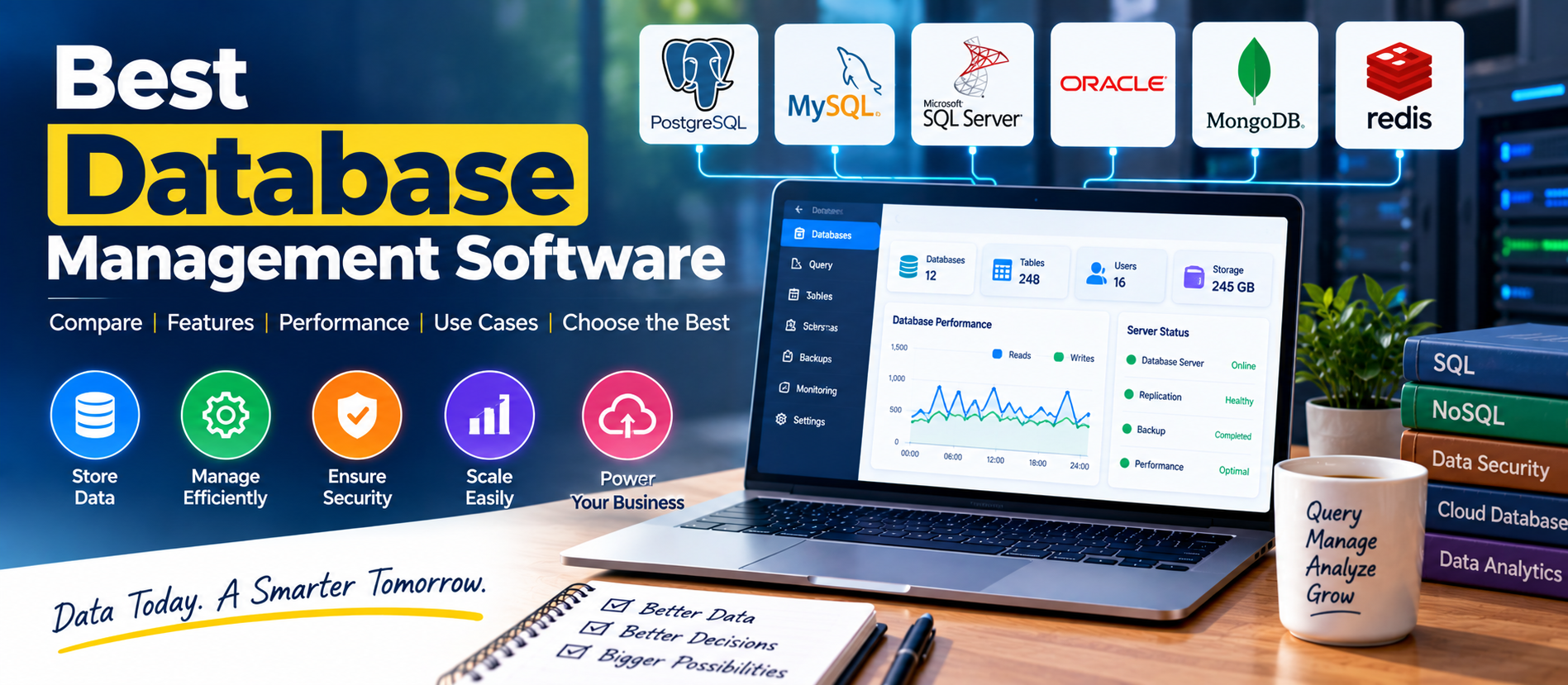
| DatabaseModelCommon UseKey Consideration | |||
| PostgreSQL | Relational / SQL | Web apps, analytics, enterprise systems | Rich features require capable database design |
| MySQL | Relational / SQL | Websites, ecommerce, business applications | Check version, storage engine, and hosting environment |
| Microsoft SQL Server | Relational / SQL | Enterprise and Microsoft environments | Licensing and edition requirements matter |
| Oracle Database | Relational / SQL | Large enterprise workloads | Licensing, architecture, and administration can be complex |
| MongoDB | Document / NoSQL | Flexible application data and distributed workloads | Data modeling must match document access patterns |
| Redis | Key-value / in-memory | Caching, sessions, queues, fast data access | Best fit depends on persistence and durability needs |
This is a descriptive comparison, not a universal ranking. Database features, cloud services, licensing, and supported versions change over time. Verify current documentation before selecting a production system.
PostgreSQL
PostgreSQL is an open-source relational database known for strong data integrity, advanced SQL capabilities, extensibility, and a broad range of data types. Current PostgreSQL documentation lists relational types along with JSON/JSONB, arrays, ranges, UUIDs, spatial types, and extensive indexing options.
PostgreSQL can suit web applications, SaaS products, analytics systems, internal business applications, and workloads that need complex queries or structured relationships. Its flexibility is valuable, but good schema design and database administration remain important.
MySQL
MySQL is a widely used relational database for websites and business applications. Its documentation describes a multithreaded, multi-user SQL server with transactional storage options, indexes, joins, security controls, and support for large databases.
MySQL 8.4 is an important long-term-support release line. The current reference documentation includes ongoing 8.4 updates and changes to authentication, auditing, replication, and other areas.
Microsoft SQL Server
Microsoft SQL Server is a relational database platform used widely in enterprise and Microsoft-centered environments. SQL Server 2025 adds improvements in security, performance, availability, analytics, and AI-related capabilities.
Microsoft documents features including optimized locking, improved query processing, vector data types and functions, semantic and full-text search, and stronger availability capabilities in SQL Server 2025.
It can be a strong fit when an organization already uses Microsoft identity, development, analytics, or cloud technologies. Licensing and edition requirements should be evaluated carefully.
Oracle Database
Oracle Database is designed for demanding enterprise workloads. It is commonly associated with large transactional systems, enterprise applications, analytics, and organizations that need extensive database management capabilities.
When evaluating Oracle, consider licensing, infrastructure, skills, cloud strategy, support requirements, migration effort, and the exact edition or service required. A feature-rich platform can introduce unnecessary cost and complexity for a small application.
MongoDB
MongoDB uses a document-oriented model rather than traditional relational tables. This can be useful when application data naturally fits documents and the schema needs flexibility.
Document databases require thoughtful modeling. Developers should design collections and indexes around real application access patterns rather than simply storing relational data in documents without a plan.
Redis
Redis is commonly used for fast data access, caching, sessions, queues, and other low-latency workloads. It can complement a primary database rather than replace it.
Before using Redis for important data, review persistence, durability, memory requirements, replication, and recovery behavior. The correct architecture depends on whether the data is temporary, reconstructable, or business-critical.
Cloud Database Management
Managed cloud databases reduce some administrative work. The cloud provider may handle infrastructure provisioning, patches, backups, monitoring, scaling options, and high-availability components.
Managed services can improve operational efficiency, but they do not remove responsibility for database design, permissions, application security, data classification, cost management, and recovery testing.
When comparing cloud database services, check storage pricing, compute pricing, network charges, backup costs, scaling rules, regions, availability guarantees, supported versions, and exit or migration options.
AI and Vector Database Workloads
AI applications have created new database requirements. Applications may need to store embeddings and perform similarity searches alongside traditional application data.
Some traditional relational platforms now provide vector capabilities. Microsoft documents vector data types and functions in SQL Server 2025. This means teams do not always need a separate vector database for every AI use case.
The right choice depends on workload size, latency requirements, retrieval patterns, metadata filtering, operational skills, and whether the AI data needs to remain closely connected to transactional records.
Database Security Best Practices
- Use strong authentication and role-based permissions.
- Give applications only the database privileges they require.
- Encrypt sensitive data in transit and at rest where appropriate.
- Keep database software and dependencies updated.
- Restrict database network access.
- Monitor authentication and administrative activity.
- Protect database credentials and secrets.
- Test backups through actual restoration procedures.
- Separate development, testing, and production environments.
- Remove unused accounts and permissions.
How to Choose the Right Database
Step 1: Understand the Data
List the major entities, relationships, document structures, expected record sizes, and data-retention requirements. Good database selection begins with understanding the information itself.
Step 2: Understand the Workload
Estimate reads, writes, transactions, concurrent users, query complexity, reporting needs, and peak traffic. A database optimized for one workload may not be ideal for another.
Step 3: Define Availability Requirements
Decide how much downtime the business can tolerate. Define recovery time and recovery point objectives before selecting backup and failover architecture.
Step 4: Evaluate Team Skills
Choose technology that your team can operate reliably. A technically attractive database can become a risk if the organization cannot monitor, secure, troubleshoot, and upgrade it.
Step 5: Calculate Total Cost
Consider licensing, cloud infrastructure, storage, backups, support, monitoring, development effort, training, migration, and administration. Total cost is more useful than the database license price alone.
Step 6: Run a Real Test
Build a small proof of concept using realistic data and queries. Measure response times, resource use, backup and restore behavior, and operational complexity before committing to production.
SEO, AEO, GEO, and AI Search Optimization
Database software content should answer practical questions clearly. Useful topics include “what is a database management system,” “SQL vs NoSQL,” “PostgreSQL vs MySQL,” “database security best practices,” “cloud database vs on-premises database,” and “how to choose a database for a web application.”
Use clear definitions, comparison tables, short paragraphs, descriptive headings, examples, and FAQs. Explain trade-offs instead of making unsupported claims about a universal “best” database.
Google's current guidance says foundational SEO remains relevant for AI Overviews and AI Mode. Google recommends helpful, reliable, people-first content, clear technical structure, crawlable pages, and useful original information. It also says special files such as llms.txt are not required for Google Search AI features.
Frequently Asked Questions
What is database management software?
It is software that helps store, organize, query, update, secure, and maintain data.
Which database is best for a website?
It depends on the website. PostgreSQL and MySQL are common relational choices. The right option depends on the application's data model, hosting environment, team skills, performance needs, and integrations.
Is SQL better than NoSQL?
Neither is universally better. SQL databases are often useful for structured relational data and strong transactional requirements. NoSQL databases can be useful for flexible models and specific distributed workloads.
Can a database support AI applications?
Yes. Databases can store application data, metadata, embeddings, and other AI-related information. Some modern relational systems also provide vector capabilities.
Should a small business use a cloud database?
A managed cloud database can reduce infrastructure work, but the choice should depend on application requirements, cost, security, compliance, and the team's technical skills.
Final Thoughts
The best database management software is the system that matches your data and workload. PostgreSQL, MySQL, SQL Server, Oracle Database, MongoDB, and Redis each serve different purposes. Instead of choosing from popularity alone, evaluate data structure, transactions, performance, security, availability, scalability, team skills, and total cost.
Start with a clear workload definition. Build a realistic proof of concept. Test performance and recovery. Then select the database that your team can operate securely and reliably over the long term.
Digiifrog helps businesses improve digital workflows through web development, database solutions, automation, cybersecurity, and digital marketing. Visit www.digiifrog.com.
Sources and Further Reading
- PostgreSQL: About PostgreSQL
- MySQL 8.4: Main Features
- Microsoft SQL Server 2025
- Microsoft Learn: What's New in SQL Server 2025
- Google Search Central: AI Features and Your Website
Ready to Grow?
Talk to us about a strategy tailored to your brand — we will help you stand out in search, AI discovery and social.

Comments (0)
Log in to leave a comment.