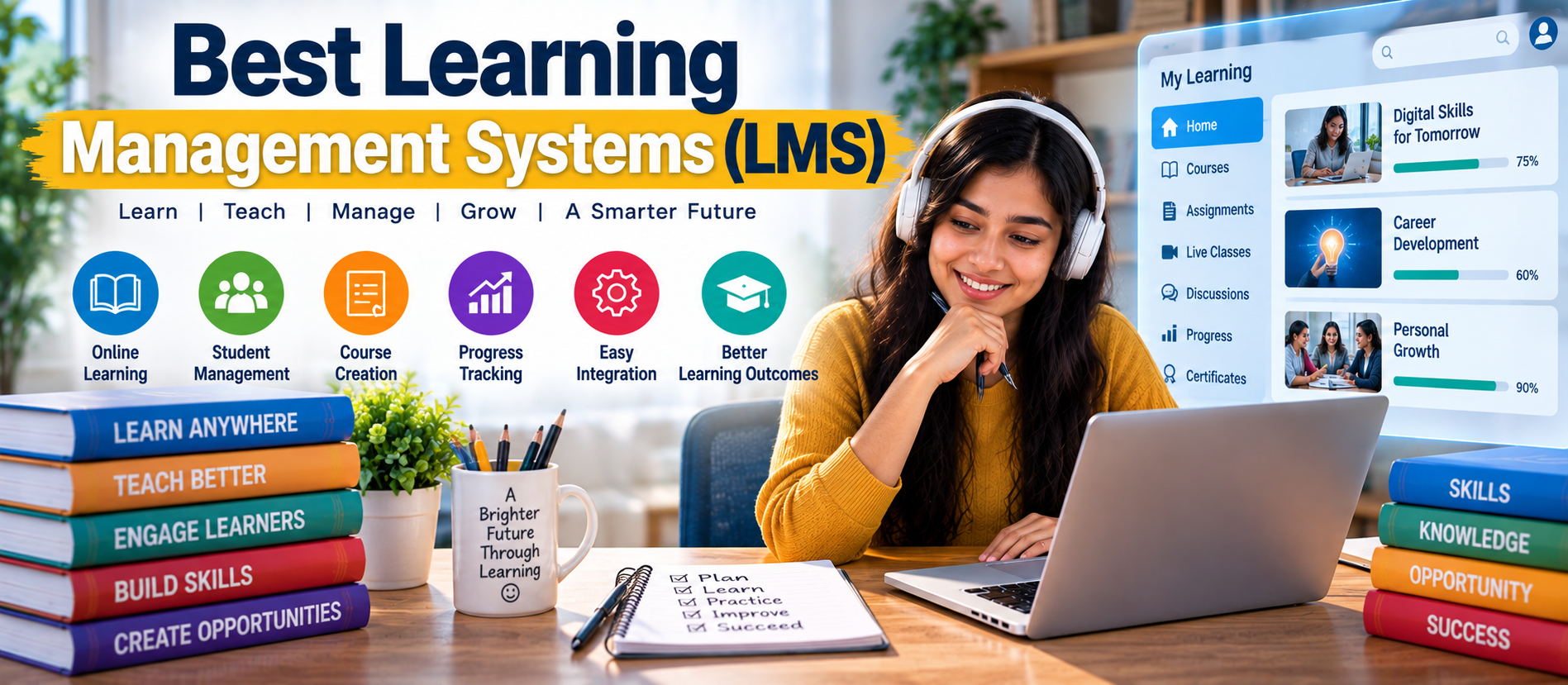
📋 Quick Summary
In this article:
What Is a Learning Management System?
Key Features to Look For in an LMS
Best Learning Management Systems to Consider
1. Moodle
2. Canvas
3. Google Classroom
4. Blackboard
5. TalentLMS
6. Docebo
7. LearnWorlds
8. Thinkific
9. Absorb LMS
Quick Answer: A Learning Management System (LMS) is software used to create, manage, deliver, and track learning. Popular LMS options include Moodle, Canvas, Google Classroom, Blackboard, TalentLMS, Docebo, LearnWorlds, Thinkific, Absorb LMS, Cornerstone Learning, Litmos, LearnUpon, and WorkRamp. The right choice depends on your learners, budget, course format, reporting needs, integrations, and level of technical control.
Choosing an LMS is no longer only about uploading courses. Modern platforms can support live classes, assessments, certificates, mobile learning, analytics, automation, integrations, and AI-assisted learning experiences. This guide explains the main options and how to select an LMS without making the decision unnecessarily complicated.
What Is a Learning Management System?
A Learning Management System is a digital platform for organizing learning activities. Teachers can publish lessons, assign work, assess learners, and monitor progress. Businesses can use an LMS for employee training, onboarding, compliance, and professional development.
Most LMS platforms combine course management, learner accounts, assessments, reporting, communication, and content delivery in one system.
Key Features to Look For in an LMS
- Course creation: Upload videos, documents, presentations, quizzes, and other learning materials.
- Assessments: Create quizzes, assignments, tests, and grading workflows.
- Progress tracking: Monitor completion, scores, attendance, and learner activity.
- Reporting: Generate reports for teachers, administrators, managers, or training teams.
- Mobile access: Allow learners to study from phones and tablets.
- Communication: Support announcements, discussions, notifications, or messaging.
- Integrations: Connect the LMS with video tools, productivity software, HR systems, payment systems, or other services.
- Certificates: Issue completion certificates where appropriate.
- Security: Review authentication, permissions, data protection, backups, and administrative controls.
- AI features: Some modern LMS platforms offer AI-assisted content creation, recommendations, summaries, or learner support.
Best Learning Management Systems to Consider
1. Moodle
Moodle is a widely used open-source LMS. It provides extensive control over courses, users, activities, plugins, and system configuration. It can work well for institutions and organizations that have technical resources and want flexibility.
Good for: Schools, universities, training organizations, and organizations needing customization.
2. Canvas
Canvas is a cloud-based learning platform designed for education. It supports course management, assignments, grading, reporting, integrations, and mobile learning. Its ecosystem can make it useful for institutions that want a structured digital learning environment.
Good for: Schools, colleges, universities, and education providers.
3. Google Classroom
Google Classroom provides a simple way for educators to distribute work, communicate with students, collect assignments, and organize classes. It is particularly useful for institutions already using Google Workspace for Education.
Good for: Schools, teachers, tutors, and organizations seeking a straightforward classroom workflow.
4. Blackboard
Blackboard is an established education platform with tools for course delivery, assessment, grading, communication, analytics, and institutional learning management.
Good for: Colleges, universities, and larger education organizations.
5. TalentLMS
TalentLMS focuses on making online training easier to create and manage. It is commonly used for employee training, onboarding, customer education, and professional development.
Good for: Small and medium-sized businesses and training teams.
6. Docebo
Docebo is an enterprise-oriented learning platform. It supports learning management, reporting, integrations, automation, and features designed for larger training environments.
Good for: Enterprises and organizations with complex training requirements.
7. LearnWorlds
LearnWorlds combines course creation with tools for delivering and selling online learning. It can be useful for instructors, consultants, academies, and businesses building branded learning experiences.
Good for: Course creators, academies, coaches, and online education businesses.
8. Thinkific
Thinkific is designed for creating and selling online courses. It provides tools for course creation, learner management, payments, and online education businesses.
Good for: Entrepreneurs, creators, coaches, and businesses selling courses.
9. Absorb LMS
Absorb LMS is built for organizations that need structured training, learner administration, reporting, and business-oriented learning workflows.
Good for: Businesses and larger training programs.
10. Cornerstone Learning
Cornerstone Learning is aimed at enterprise learning and talent development. It can support employee development, training programs, compliance learning, and broader workforce initiatives.
Good for: Large organizations and enterprise learning teams.
11. Litmos
Litmos provides tools for online training, course delivery, learner management, and reporting. It can be used for employee and customer training.
Good for: Corporate training and organizations managing structured learning programs.
12. LearnUpon
LearnUpon is a cloud LMS focused on delivering and managing training programs. It can support employee, customer, and partner education.
Good for: Businesses and training providers.
13. WorkRamp
WorkRamp focuses on workplace learning and employee development. It can support onboarding, internal training, professional development, and customer education.
Good for: Modern businesses and people or learning teams.
LMS Comparison by Use Case
| Use CaseLMS Types to ConsiderImportant Features | ||
| School or classroom | Google Classroom, Canvas, Moodle | Assignments, grading, communication, accessibility |
| University | Canvas, Moodle, Blackboard | Course management, assessment, integrations, analytics |
| Employee training | TalentLMS, Docebo, Absorb LMS | Automation, reporting, compliance, integrations |
| Enterprise learning | Docebo, Cornerstone, Absorb LMS | Scalability, analytics, administration, integrations |
| Online course business | Thinkific, LearnWorlds | Course creation, payments, branding, learner experience |
| Flexible/custom learning | Moodle | Open-source control, plugins, customization |
How to Choose the Right LMS
1. Define Your Learning Goals
Start with the problem you want the LMS to solve. A school may need assignments and grading. A company may need onboarding and compliance tracking. A course creator may need payments and branded course pages.
2. Identify Your Learners
Consider learner age, technical ability, location, device usage, and learning style. A platform that works for a university may not be ideal for a small training business.
3. Set a Realistic Budget
Do not compare only the subscription price. Consider implementation, hosting, administration, integrations, support, training, content creation, and possible customization costs.
4. Check Ease of Use
Teachers and administrators should be able to perform common tasks without unnecessary complexity. Learners should also be able to find courses, assignments, results, and resources easily.
5. Review Integrations
Check whether the LMS connects with the tools you already use. Integrations can reduce manual work and make learner data easier to manage.
6. Test Reporting
Reporting becomes important as the number of learners grows. Check whether the platform can provide the exact reports your teachers, managers, or administrators need.
7. Consider Scalability
Your LMS should support future growth. Think about more learners, additional courses, new departments, multiple locations, and increased reporting requirements.
AI and the Future of LMS Platforms
AI is becoming an important part of modern digital learning. Depending on the platform, AI can help create learning content, summarize information, recommend resources, assist learners, or reduce repetitive administrative work.
However, AI should support educators and learning teams rather than replace human judgment. Course quality, accuracy, accessibility, privacy, and assessment design still require careful human oversight.
Open-Source vs Cloud LMS
Open-source LMS: You get more control over hosting, configuration, and customization. Moodle is a well-known example. The trade-off is that technical management may require more expertise.
Cloud LMS: The provider generally manages hosting and much of the technical infrastructure. This can make deployment easier, but customization and pricing depend on the provider.
Common LMS Mistakes
- Choosing a platform only because it has many features.
- Ignoring learner experience.
- Not testing mobile access.
- Failing to define reporting requirements.
- Underestimating content migration and administration work.
- Buying an enterprise platform for a simple learning requirement.
- Ignoring privacy, security, and access controls.
- Launching without training teachers or administrators.
How to Implement an LMS Successfully
- Plan: Define goals, users, courses, roles, and success measures.
- Prepare content: Organize videos, documents, quizzes, assignments, and learning paths.
- Configure the platform: Set permissions, branding, notifications, integrations, and reporting.
- Run a pilot: Test the LMS with a small group before a full launch.
- Train users: Provide simple instructions for teachers, administrators, managers, and learners.
- Measure results: Track completion, engagement, assessment results, support requests, and learner feedback.
- Improve continuously: Update courses and workflows based on real usage data.
SEO, AEO, GEO and AI Search Perspective
Learning content is increasingly discovered through search engines and AI-powered answer systems. An LMS itself does not automatically make educational content visible. Organizations should create clear course descriptions, structured learning resources, useful FAQs, accessible content, and accurate metadata.
For AI Search and Generative Engine Optimization (GEO), clear definitions and direct answers are especially useful. Content should explain what a course covers, who it is for, expected outcomes, prerequisites, and key questions learners may ask.
Frequently Asked Questions
What is the best LMS for schools?
There is no single LMS that fits every school. Google Classroom, Canvas, and Moodle are among the platforms schools may evaluate based on class size, integrations, administration needs, and budget.
What is the best LMS for employee training?
Businesses commonly evaluate platforms such as TalentLMS, Docebo, Absorb LMS, LearnUpon, Litmos, and other corporate LMS options. The choice depends on training complexity, reporting, integrations, and scale.
Is Moodle free?
Moodle is open-source software, but operating an LMS can still involve hosting, setup, maintenance, support, customization, and administration costs.
Can an LMS support mobile learning?
Many modern LMS platforms provide responsive interfaces or mobile applications. Always test the actual learner experience on the devices your audience uses.
Can AI be used in an LMS?
Yes. Depending on the platform, AI can assist with content creation, recommendations, summaries, learner support, and administrative workflows. Organizations should still review AI-generated output for accuracy and quality.
Key Takeaways
- An LMS centralizes digital learning and training management.
- The right LMS depends on your users, goals, budget, and technical requirements.
- Moodle offers strong customization potential.
- Canvas, Google Classroom, and Blackboard are important options for education.
- TalentLMS, Docebo, Absorb LMS, Cornerstone, LearnUpon, Litmos, and WorkRamp are options for business learning and training.
- Thinkific and LearnWorlds are useful options for online course businesses.
- AI can improve learning workflows, but human oversight remains important.
- Always test usability, reporting, integrations, security, and scalability before making a final decision.
Final Thoughts
The best Learning Management System is not necessarily the platform with the largest feature list. It is the platform that fits your learning goals, users, workflow, budget, and future plans.
Start with your requirements. Shortlist a few platforms. Test them with real learning scenarios. Compare the total cost and administrative effort. Then choose the system that can deliver a simple, reliable, and measurable learning experience.
For digital marketing, web development, content strategy, and AI-focused business solutions, visit Digiifrog: www.digiifrog.com
Ready to Grow?
Talk to us about a strategy tailored to your brand — we will help you stand out in search, AI discovery and social.

Comments (0)
Log in to leave a comment.