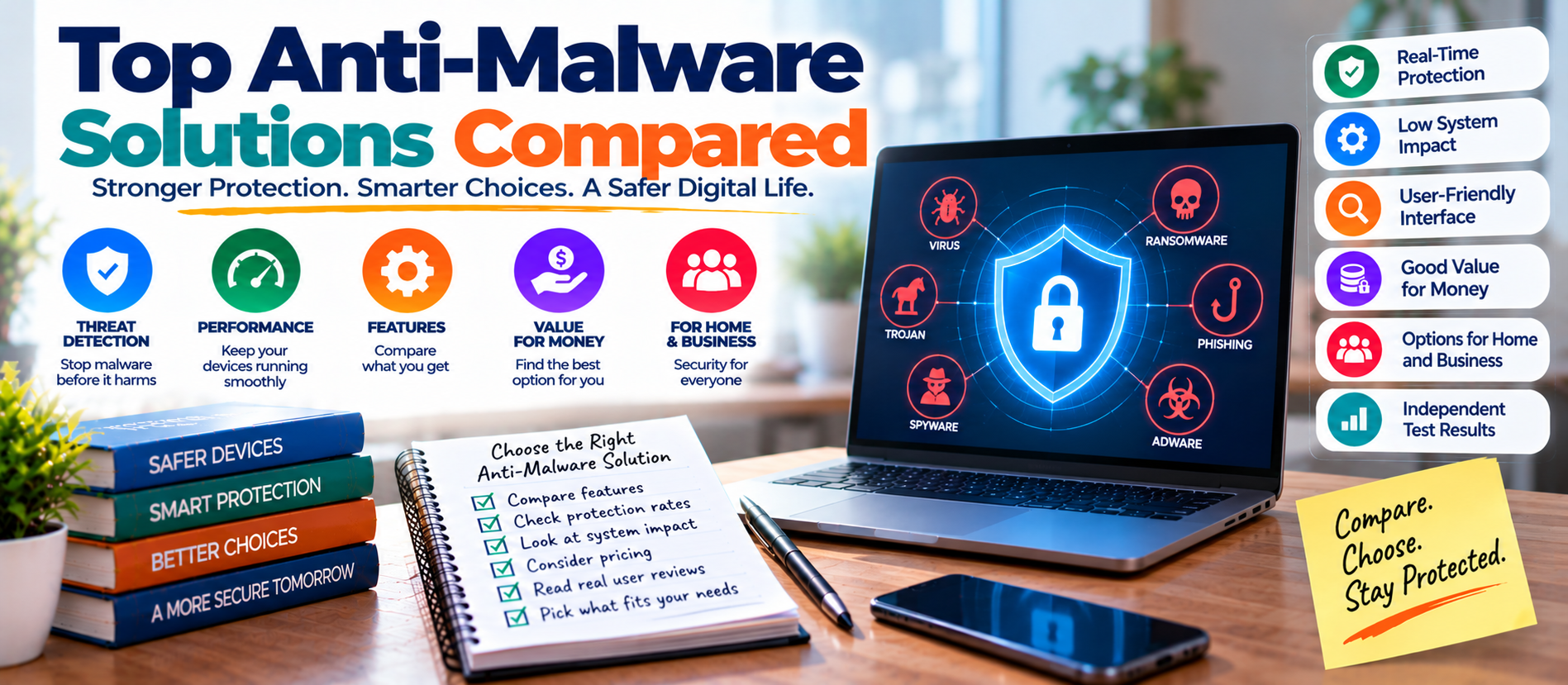
📋 Quick Summary
In this article:
What Is Anti-Malware Software?
1. Microsoft Defender Antivirus
2. Bitdefender
3. ESET
4. Norton
5. McAfee
6. Kaspersky
7. F-Secure
Why Independent Testing Matters
Real-Time Protection
Introduction
Malware is no longer limited to old computer viruses. Modern threats include ransomware, spyware, banking malware, credential stealers, malicious browser extensions, remote-access tools and fileless attacks. A single infected device can expose business files, passwords, customer information and cloud accounts.
💡 Key Insight
This makes anti-malware software an important part of a modern security strategy. But choosing the right product is not simple. Many security suites offer similar features, while their performance, device support, privacy controls, system impact and extra protections can differ.
This guide compares leading anti-malware solutions from a practical point of view. It focuses on what matters when selecting protection for Windows users, families, remote workers and small businesses. The goal is not to declare one product the winner for everyone. The best choice depends on your devices, risk level, budget and required features.
What Is Anti-Malware Software?
Anti-malware software detects, blocks and removes malicious software. It can use signatures, cloud intelligence, behavior analysis, reputation services, machine learning and other techniques to identify suspicious activity.
Good protection should work before, during and after an infection attempt. Real-time protection watches files and processes as they run. Web protection can block dangerous websites and downloads. Email protection can identify malicious attachments and links. Behavioral detection can stop suspicious actions even when a threat does not match a known signature.
Modern anti-malware is therefore broader than traditional antivirus. The terms are often used together, but today's products commonly protect against many categories of unwanted or malicious software.
1. Microsoft Defender Antivirus
Microsoft Defender is built into modern Windows systems, which makes it an important option for users who want strong baseline protection without installing a separate antivirus product. It provides real-time malware protection and works with other Windows security capabilities.
Independent AV-TEST results show that Microsoft Defender performed strongly in recent Windows 11 evaluations. In the May-June 2026 home-user test, it received 6/6 for protection and 6/6 for usability, with 5.5/6 for performance.
Best for: Windows users who want capable built-in protection and do not need a large collection of premium extras.
Strengths: Built into Windows, strong recent test results, real-time protection, low setup effort and integration with the operating system.
Limitations: Users looking for a broader cross-platform privacy or identity package may prefer a paid security suite.
2. Bitdefender
Bitdefender is a well-known security platform with consumer and business products. Its paid suites typically combine malware protection with web security, ransomware defenses, privacy tools and additional security controls.
AV-TEST's June 2026 Windows 11 home-user results gave Bitdefender Total Security 6/6 for protection, 6/6 for performance and 6/6 for usability.
Best for: Users who want a feature-rich security suite with strong independent-test performance.
Strengths: Strong protection, broad feature set, ransomware defenses and useful privacy/security tools.
Limitations: Premium features may be unnecessary for users who only need basic malware protection.
3. ESET
ESET has a long history in endpoint security and offers products for home users and organizations. Its consumer suites commonly emphasize malware detection, web protection, network security and device controls.
In AV-TEST's June 2026 Windows 11 home-user evaluation, ESET Security Ultimate received 6/6 in protection, 6/6 in performance and 6/6 in usability.
Best for: Users who want strong security with detailed controls and a security-focused interface.
Strengths: Strong recent test performance, mature endpoint protection and useful configuration options.
Limitations: Advanced settings can feel unnecessary for people who want a very simple security experience.
4. Norton
Norton offers security suites that combine malware protection with features such as web protection, identity-related tools, password management and other online safety features depending on the plan.
AV-TEST's June 2026 results gave Norton 360 6/6 for protection, 6/6 for performance and 6/6 for usability.
Best for: Families and users who want a broader security package rather than a basic antivirus.
Strengths: Broad consumer feature set, strong recent test results and useful online protection features.
Limitations: Subscription plans can contain features that some users do not need.
5. McAfee
McAfee provides consumer security packages designed to protect multiple devices. Depending on the plan, users can receive malware protection along with web safety, identity monitoring, password and privacy-related features.
McAfee Total Protection achieved 6/6 for protection, 6/6 for performance and 6/6 for usability in AV-TEST's June 2026 Windows 11 home-user results.
Best for: Households that want centralized protection for several devices.
Strengths: Strong recent test results, multi-device options and broad security features.
Limitations: Compare renewal pricing and plan features before subscribing.
6. Kaspersky
Kaspersky offers consumer security products with malware detection, web protection, privacy features and additional security controls. Its product range covers different levels of protection and device needs.
AV-TEST's June 2026 Windows 11 home-user test gave Kaspersky Premium 6/6 for protection, 6/6 for performance and 6/6 for usability.
Best for: Users evaluating a full-featured security suite and comparing independent test results.
Strengths: Strong recent AV-TEST scores and a broad set of security capabilities.
Limitations: Availability, regulatory considerations and organizational policies may affect whether it is appropriate for a particular user or business.
7. F-Secure
F-Secure provides security products focused on malware protection, online safety and privacy. Its consumer packages can cover several device types and add features beyond basic antivirus.
F-Secure Total scored 6/6 for protection, 6/6 for performance and 6/6 for usability in AV-TEST's June 2026 home-user test.
Best for: Users who want security combined with privacy-focused features.
Strengths: Strong recent test performance and a broad consumer security package.
Limitations: Review the exact plan before buying because feature availability varies.
Why Independent Testing Matters
Marketing claims alone should not decide a security purchase. Independent laboratories test products against realistic threats and measure several dimensions of performance.
AV-TEST evaluates protection, performance and usability. Its scoring system gives up to six points in each category, for a maximum of 18 points. A product needs at least 10 points for the AV-TEST seal, while 17.5 points or more qualifies for its Top Product award.
Tests are useful, but they are not permanent rankings. Security products change frequently. Malware changes too. A product that performs well today should still be reviewed against current tests, supported operating systems and your own requirements.
Features That Matter Most
Real-Time Protection
Real-time protection checks files and activity while you use the device. Keep it enabled unless a trusted troubleshooting process requires a temporary change.
Behavior-Based Detection
Malware can change its appearance to avoid simple signatures. Behavior analysis looks for suspicious actions, such as unauthorized changes to files, processes or security settings.
Web and Phishing Protection
A security product should help prevent visits to dangerous websites and block suspicious downloads. This layer is important because many infections begin with a malicious link rather than a traditional virus file.
Ransomware Protection
Ransomware can encrypt important files and disrupt operations. Look for products that combine malware detection with behavioral protection and safeguards for important data.
Cloud-Based Threat Intelligence
Cloud services can provide fast access to reputation data and threat intelligence. This can help security products respond to newly observed threats without relying only on local signatures.
Automatic Updates
Security software must stay current. Microsoft recommends keeping operating systems and applications updated because attackers often exploit known software vulnerabilities.
Free Antivirus vs Paid Security Suites
Free protection can be enough for a person who mainly needs baseline malware defense on a well-maintained computer. Windows users already have Microsoft Defender available as part of the operating system.
Paid suites become more useful when you need multiple devices, parental controls, password tools, identity monitoring, privacy features, advanced web protection or centralized management. Do not pay for features you will never use.
How to Choose the Right Solution
- List your devices. Check Windows, Mac, Android and iPhone requirements.
- Define your risk. A home PC and a business laptop may need different controls.
- Check independent tests. Compare current protection, performance and usability results.
- Review ransomware and web protection. These layers matter in everyday attacks.
- Check system impact. Security should not make normal work unnecessarily difficult.
- Compare total cost. Look at introductory and renewal pricing.
- Review privacy terms. Understand what data the product collects and why.
- Check support. Businesses may need stronger administration and incident-response options.
Anti-Malware for Small Businesses
Businesses should not treat consumer antivirus as their entire security program. Endpoint protection should work with identity security, patch management, backups, email security, logging and employee awareness.
Use standard user accounts where possible. Microsoft notes that limiting privileges can reduce the damage malware can cause. Businesses should also maintain protected backups and test restoration. Centralized endpoint management is valuable because security teams need visibility into device status, detections and policy changes.
Common Mistakes to Avoid
- Installing multiple real-time antivirus products without checking compatibility.
- Ignoring operating system and application updates.
- Disabling protection because an alert is inconvenient.
- Downloading security software from unofficial websites.
- Assuming antivirus can stop every phishing attack.
- Using administrator accounts for routine work.
- Failing to maintain tested backups.
Practical Anti-Malware Checklist
- Keep real-time protection enabled.
- Install security updates automatically where practical.
- Use a reputable anti-malware solution.
- Turn on web and phishing protection.
- Use strong, unique passwords and multi-factor authentication.
- Keep browsers and applications updated.
- Use standard accounts for daily work.
- Back up important data regularly.
- Test backup restoration.
- Review security alerts instead of ignoring them.
Frequently Asked Questions
What is the best anti-malware solution?
There is no single best product for every user. Recent independent tests show several products performing strongly. The right choice depends on your operating system, devices, required features, budget and risk level.
Is Microsoft Defender good enough?
For many Windows users, Microsoft Defender provides strong baseline protection. Recent AV-TEST results show strong protection and usability scores. Users with broader requirements may still prefer a paid suite.
Can anti-malware stop ransomware?
Good anti-malware can detect and block many ransomware threats, but no single security layer is perfect. Use endpoint protection, updates, least privilege, safe browsing and reliable backups together.
Should I use free or paid antivirus?
Choose free protection when you need basic defense and already have good security habits. Consider paid software when you need multi-device management, privacy features, identity tools or additional controls.
Can antivirus replace safe browsing?
No. Security software is a protective layer, not a substitute for careful behavior. Avoid unknown links, suspicious attachments, pirated software and untrusted downloads.
How often should I run malware scans?
Keep real-time protection enabled and allow automatic or scheduled scanning. A full scan can be useful when investigating suspicious activity or after a significant security event. Microsoft recommends combining always-on real-time protection and cloud protection with scheduled scanning.
Final Thoughts
The top anti-malware solutions now offer much more than traditional virus scanning. Strong products combine real-time protection, behavior analysis, web security, ransomware defenses, cloud intelligence and usable controls.
Recent AV-TEST evaluations show that several leading products can achieve excellent results across protection, performance and usability. Still, test scores should be only one part of your decision.
For Windows users, Microsoft Defender is a strong baseline option. Bitdefender, ESET, Norton, McAfee, Kaspersky, Avast, AVG, F-Secure and Trend Micro offer different combinations of features and pricing. Compare the current product version, device coverage, privacy terms and subscription cost before making a decision.
Digiifrog helps businesses understand modern digital security, technology and AI-driven business risks. Visit www.digiifrog.com for more technology insights and practical digital solutions.
Ready to Grow?
Talk to us about a strategy tailored to your brand — we will help you stand out in search, AI discovery and social.

Comments (0)
Log in to leave a comment.